

US Road Trip Phone and Data Checklist: Maps, Hotspots and Dead Zones
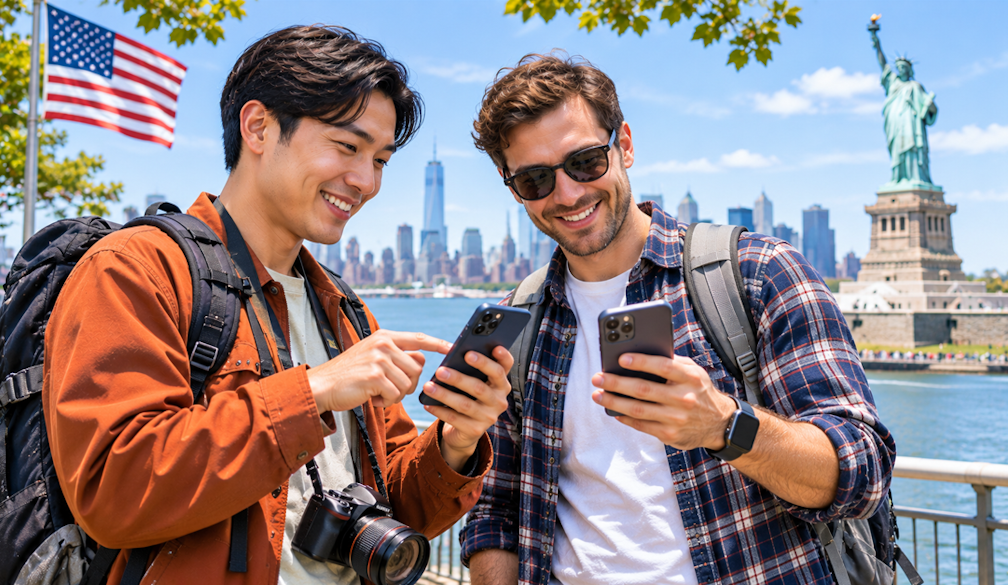
On a US road trip, your phone does most of the navigating. It finds the next gas station, the motel you booked that morning, the diner someone recommended and the trailhead that turns out to be another forty minutes down a dirt road. When the signal drops in the middle of a desert highway or on a winding coastal stretch, you find out quickly how much of the plan lived online.
For travellers flying in from overseas, the first decision is how to get data at all. Roaming on a home plan can work but may get expensive over a two- or three-week drive. Buying a SIM after landing means finding a store before you collect the rental car. If your phone supports eSIM and is carrier-unlocked, a USA eSIM installed before you fly lets you land with data ready for the drive out of the airport. Check the plan's data allowance, validity and hotspot rules before you buy, since they vary.
Check Your Phone Before You Fly
Confirm that your phone supports eSIM and is not locked to your home carrier. On an iPhone, look under Settings, General, About for the Carrier Lock line, which should say "No SIM restrictions". On Android, ask your carrier if the setting is hard to find. Unlocking can take a few days, so do it early.
Install the eSIM at home following its instructions, and note when the plan's validity begins. Label the lines in your settings so you can tell your home number from your travel data.
Download Maps for Every Leg
Coverage across the US is generally good in cities and along most interstates, but it can disappear in national parks, mountain passes, desert stretches and long sections of coastal road such as parts of Big Sur on the Pacific Coast Highway. Download offline maps for each region before you set off, and update them when you reach a motel with Wi-Fi.
Save your accommodation for each night as a pin, along with the address and phone number. If you are planning a long route, it is worth mapping it offline in sections.
Plan the Hotspot Before You Rely on It
Passengers will want to stream, message and look things up from the back seat. Sharing data from one phone as a hotspot can cover this, but not every plan allows it, and it drains the battery fast. Check your plan's hotspot rules, keep the host phone on a car charger, and download entertainment for kids or passengers before long drives.
Know Your Dead Zones
Before entering a remote area, check the park's or road's own visitor information for notes on coverage. Fill up the tank, top up water and tell someone your route and when you expect to have signal again. Remember that 911 is the emergency number in the US.
Take a screenshot of park entry passes, reservation confirmations and rental car paperwork, so you can show them at a gate or counter without a connection.
Keep Your Home Number Working
Banks and booking sites may still text verification codes to your home number. If your phone holds two lines, keep the home SIM active for SMS while the eSIM handles data, and turn off data roaming on the home line. The FCC's consumer guide to international roaming explains how roaming charges can build up and the settings that help avoid surprise bills. Check with your own carrier about charges for receiving calls and texts abroad.
Keep Everything Charged
Bring a car charger that fits both USB-A and USB-C ports, since rental cars vary. Pack a power bank for hikes and long stops. The US uses Type A and B plugs, so bring an adaptor if your chargers use a different type.
Before you leave the rental car lot on day one, open your offline map, confirm the eSIM is active, and set the first night's motel as your destination.